You handle the data, logic, and constraints. Your users customize what they see through AI. The runtime enforces your limits automatically.
Your workflow
Create a project and add Skills (charts, tables, forms).
Connect data and define what users can change.
Set up your domain and invite users or enable signups.
Ship it. Done.
Track reshape analytics to guide your next build.
Your users' workflow
Open the app on your domain.
See the default layout you built.
Hit the Shape button and describe what they need.
Save their view, share it, or adopt one a teammate made.
Repeat whenever their workflow changes.
Shape
Your users reshape their own view
They hit the Shape button, describe what they need in plain language, and the view rebuilds — filtered, grouped, or charted. Same data underneath; each person gets the screen that fits their day.
Viewer lensesRevenue accounts
SSarah
MMarcus
Pipeline$1.8M
Accounts64
QuarterQ4
Same data, different lenses.
Constraint system
You draw the line between open and locked
Open by default
Layout and ordering
Display preferences
Filters and grouping
Chart presentation options
Locked by default
Data sources
Access controls
Calculated field logic
Core business rules
Move anything between open and locked per skill. The Shape button respects those limits at runtime. Users can ask for anything, but only valid shapes apply.
Constraint editorSkill: Dashboard
Layout & orderingOpen
Filters & groupingOpen
Data sourceLocked
Calculated fieldsLocked
End-user appDashboard
AcmeWest$32k
GlobexEast$28k
InitechWest$19k
West
Acme$32k
Initech$19k
East
Globex$28k
You set what's open. The runtime enforces the rest.
Monetization
Charge for premium Skills
Connect your Stripe account and set per-skill pricing. Your users pay you directly. ShapeKit handles checkout, access control, and billing. You keep the revenue minus a small platform fee (1% on Build, 0.5% on Scale, 0.25% on Custom).
Your setup
Connect your Stripe account from the dashboard.
Mark Skills as free or paid. Set prices and trial periods.
Configure AI usage limits and overage rates.
Revenue lands in your Stripe account. You manage payouts.
What your users see
Free Skills work like normal.
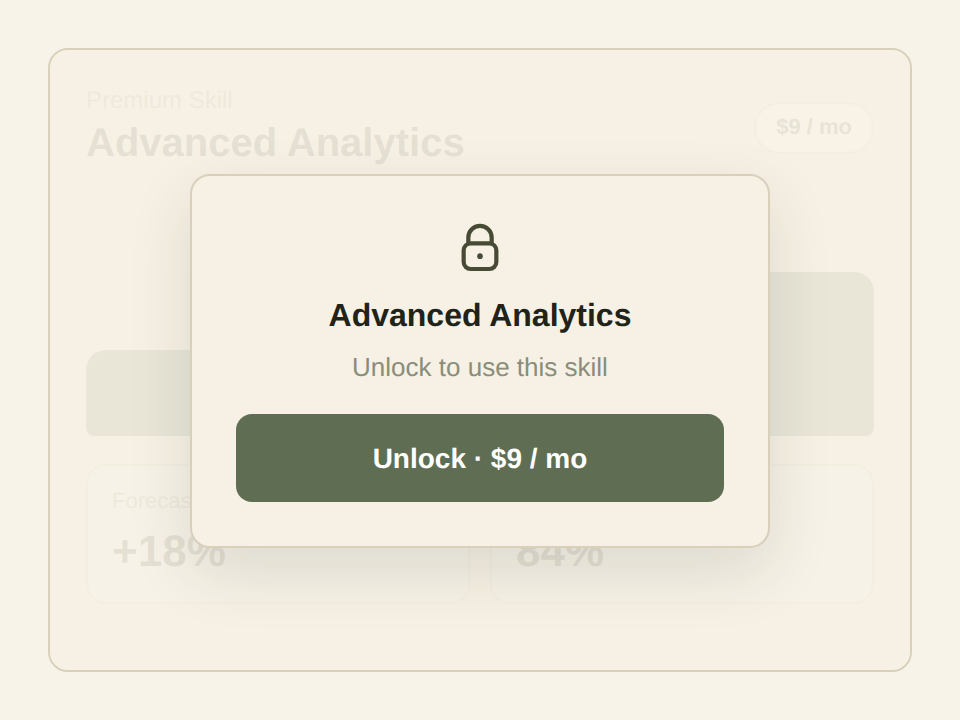
Paid Skills show data read-only with a lock on actions.
One-click checkout through Stripe to unlock.
AI budget they control. Start small, increase when they need more.